Guides
Tap to Pay on iPhone & Android: How Salons and Barbers Can Take Card Payments on Their Phone
Learn how Tap to Pay lets salons, barbers and mobile beauty professionals accept contactless card payments on a compatible iPhone or Android device, without a separate reader.
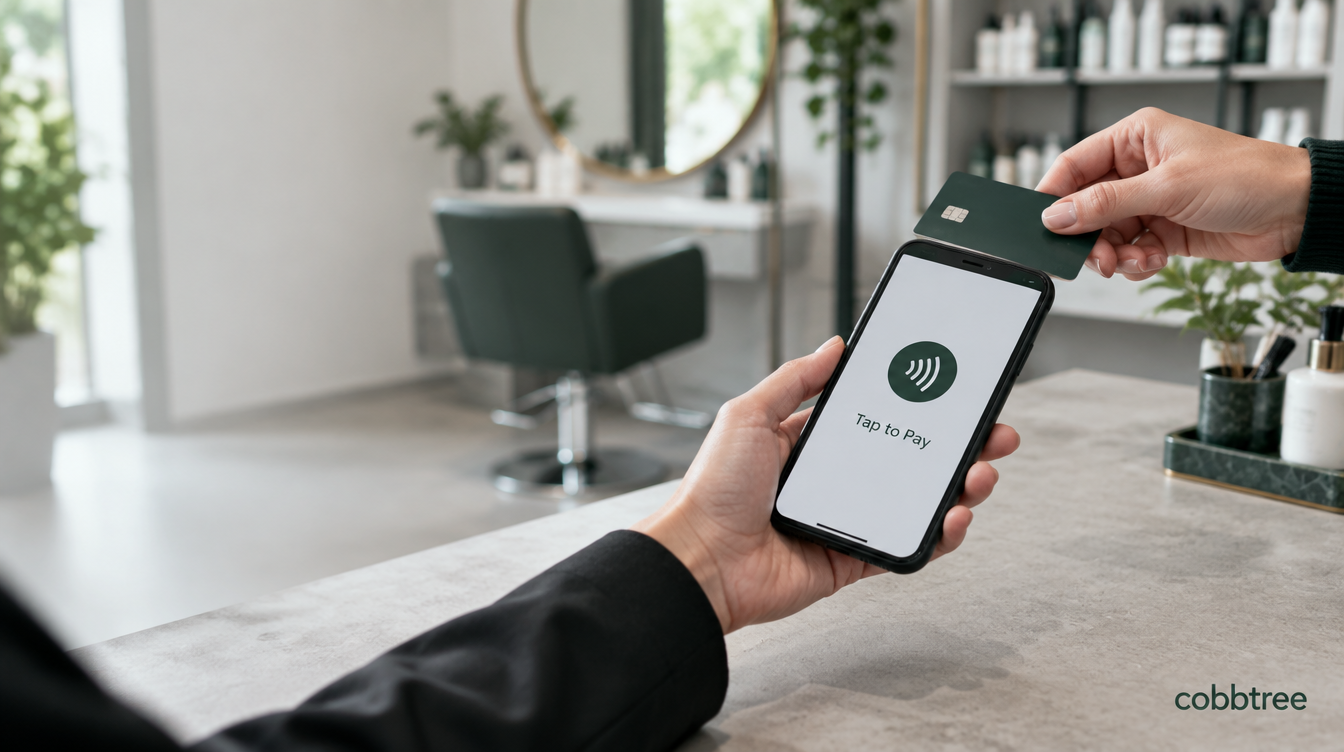
Tap to Pay lets a salon, barbershop or mobile beauty professional accept a contactless card payment using a compatible phone and supported payment app. The customer taps their card, phone or wearable against the business's device, just as they would tap a conventional card reader.
There is no separate card terminal to pair, charge or carry for that payment.
For an appointment business, however, accepting the card is only half the job. The payment should also be connected to the client, appointment, services, retail products, receipt and daily reporting.
That is where Tap to Pay inside a salon POS system becomes more useful than a standalone payment screen.
With Cobbtree Pay, an eligible business can move from an appointment to checkout in the Cobbtree Business app, add products or adjustments, and then collect a contactless payment on a compatible iPhone or Android device. The resulting payment remains attached to the sale and business records rather than appearing as an unexplained amount later.
In brief: Tap to Pay can turn a compatible iPhone or NFC-enabled Android device into a contactless payment acceptance device. You still need supported payment software, an approved payment account, internet access and a compatible device. Processing and Tap to Pay fees still apply.
What is Tap to Pay?
Tap to Pay is a way for a business to accept an in-person contactless payment directly on a compatible phone or tablet.
The customer can usually pay with:
a contactless debit or credit card
Apple Pay
Google Pay
Samsung Pay where supported
another supported NFC wallet or wearable
The business opens a supported payment app, enters or confirms the amount and presents the phone to the customer. The customer holds their payment card or device near the indicated contactless area until the payment completes.
Tap to Pay is not the same thing as Apple Pay or Google Pay.
Apple Pay and Google Pay are digital wallets that a customer may use to make a payment. Tap to Pay is the acceptance technology used by the business receiving that payment.
For example, a client can use Apple Pay on their iPhone to pay a barber who is accepting the payment through Tap to Pay on an Android phone.
Can you take card payments directly on an iPhone?
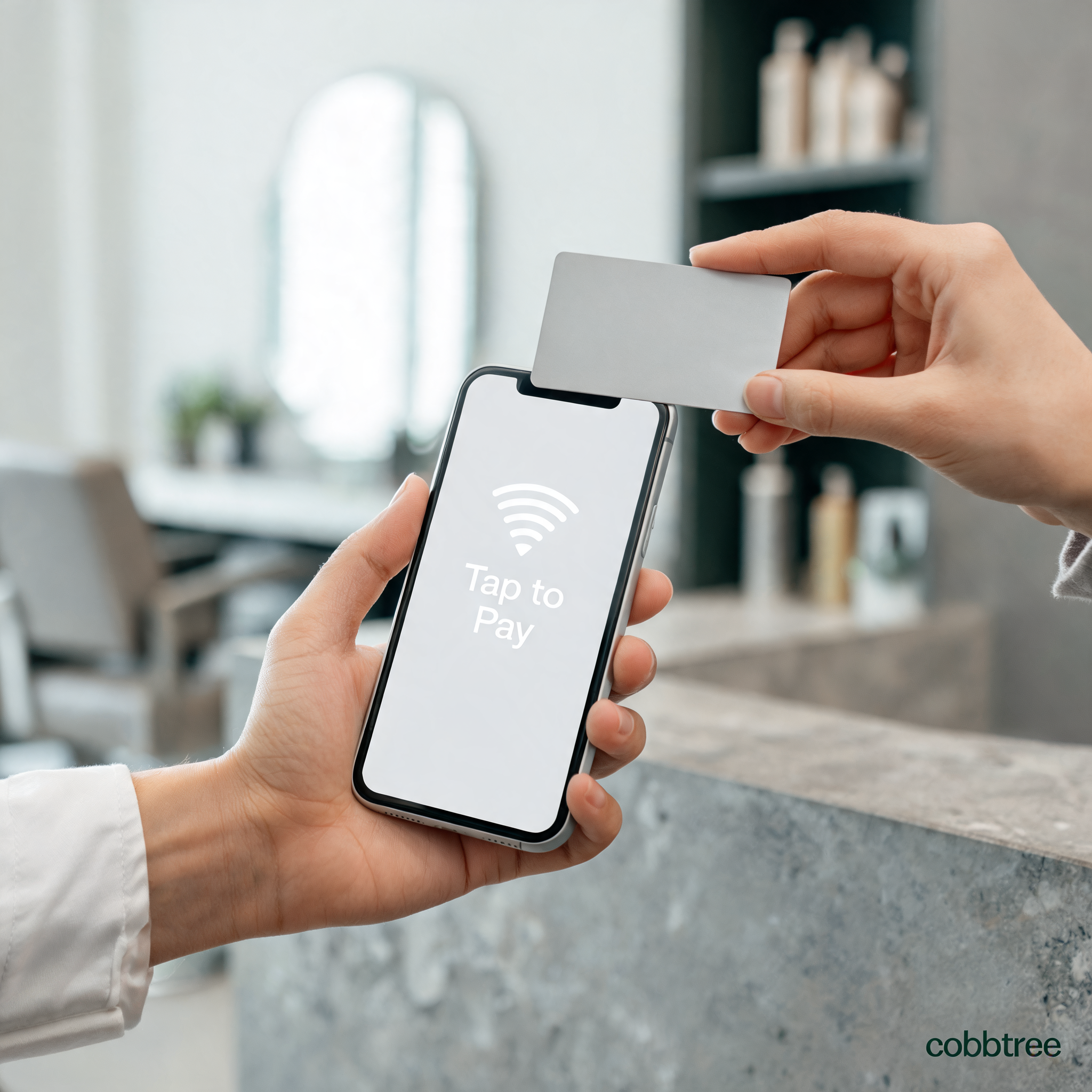
Yes. Tap to Pay on iPhone allows a business to accept supported contactless cards and digital wallets directly on a compatible iPhone through a supported payment app.
Apple currently states that Tap to Pay on iPhone is available in the United Kingdom. Apple requires:
an iPhone XS or later
a compatible version of iOS, with Apple recommending the latest version
a supported payment app
a supported payment service provider
acceptance of the applicable Tap to Pay terms
an internet connection
The business does not simply switch on a setting in the iPhone and begin collecting money. A payment provider and supported app are still required to create and process the transaction.
The iPhone's NFC hardware securely reads the contactless payment credential. Card details are handled through the certified payment system rather than being shown to the salon or stored as ordinary information in the business app.
Can you use Tap to Pay on Android?
Yes. Compatible Android phones and tablets can also accept contactless payments without a separate reader.
Android compatibility is more variable because there are many manufacturers, device models and software configurations. For Stripe Terminal's current Tap to Pay on Android implementation, a production device must meet requirements including:
Android 13 or later
a functioning integrated NFC sensor
a supported ARM processor
Google Mobile Services and the Google Play Store
a hardware-backed security keystore
a locked, unmodified and unrooted operating system
a recent Android security update
Developer options disabled
a stable internet connection
A phone having NFC does not automatically mean it can accept payments. The payment app checks whether the specific device and configuration meet the provider's security requirements.
This is particularly important when buying inexpensive Android devices for a salon team. Confirm compatibility in the payment app before purchasing several phones solely for Tap to Pay.
Do you need a card reader for Tap to Pay?
Usually not for a supported contactless payment.
The main purpose of Tap to Pay is to accept a contactless card or wallet without separate payment hardware. The compatible phone becomes the contactless acceptance device.
That can remove the need to:
buy a reader before taking the first payment
carry another device
pair a reader over Bluetooth
keep another battery charged
move one reader between chairs
It does not make physical card readers obsolete.
Tap to Pay is contactless. A conventional reader may still be useful when:
a customer needs to insert a physical card
a card or issuer requires chip and PIN
the contactless attempt is declined
the business wants a dedicated payment device at reception
staff should not use a phone for checkout
the phone is unavailable, low on power or offline
In the UK, card issuer and Strong Customer Authentication rules can sometimes require a card to be inserted. If that happens, a contactless-only device cannot complete that particular payment. The customer may need to use another contactless card or wallet, or the business may need a physical reader.
Many salons therefore use Tap to Pay alongside a card reader rather than treating the two methods as mutually exclusive.
Tap to Pay versus a traditional card reader
Consideration | Tap to Pay on a compatible phone | Traditional card reader |
|---|---|---|
Separate payment hardware | Usually no | Yes |
Device to carry and charge | Uses the business phone | Reader must be carried and charged |
Contactless cards | Yes | Usually yes |
Apple Pay and Google Pay | Yes, when supported | Usually yes |
Insert a physical card | No | Usually yes |
Chip and PIN fallback | Limited by contactless support | Usually available |
Useful for mobile professionals | Excellent when the phone is compatible | Good, but adds another device |
Useful at a fixed reception desk | Good | Often excellent |
Works without payment software or an account | No | No |
Processing fees | Yes | Yes |
The right answer may be to offer both.
A mobile beautician may prefer Tap to Pay as the primary method because it removes a device from their kit. A large salon may use a fixed reader at reception while giving selected team members Tap to Pay for chair-side checkout.
How taking payment on a phone works
The exact interface varies by provider, but a typical Tap to Pay transaction follows this sequence:
Open the supported business or payment app.
Select the appointment, sale or amount to charge.
Choose Tap to Pay.
Present the phone to the customer.
Ask the customer to hold their contactless card, phone or wearable near the contactless area.
Wait for the successful payment confirmation.
Issue or send the receipt where required.
Confirm that the sale is recorded in the till and reporting.
The customer does not need the same app as the business.
They only need a supported contactless payment method. That might be a physical card, Apple Pay on an iPhone or Apple Watch, Google Pay on an Android device, or another supported wallet.
Why Tap to Pay makes sense in a salon
Salon checkout often starts before the client reaches reception.
A stylist may recommend a shampoo during the appointment. A treatment may change. A discount, tip, gift card or loyalty reward might affect the balance. The client may want to rebook before leaving.
A disconnected card terminal only knows that somebody paid £42. It may not know:
which client paid
which appointment was completed
which stylist delivered the service
whether a retail product was included
whether a discount was applied
whether the visit should affect loyalty
how the sale should appear in reporting
A connected salon POS can keep that context.
The practical Cobbtree workflow can be:
Finish the appointment.
Open the client's appointment or till ticket.
Confirm the services delivered.
Add a retail product, tip or permitted adjustment if needed.
Select checkout.
Choose Tap to Pay.
Let the client tap their contactless card or wallet against the phone.
Record the successful payment against the sale.
Complete the receipt and update the relevant reporting.
Instead of taking a random payment and reconciling it later, the business records the transaction against the work that produced it.
Tap to Pay for barbers
Tap to Pay can be especially useful in a busy barbershop.
Traditional checkout can create a queue around one till or card machine. That becomes frustrating when several barbers finish appointments at similar times.
With a compatible phone and the right permissions, a barber can complete checkout at the chair:
open the correct appointment
confirm the haircut or service
add a product or tip where applicable
take the contactless payment
rebook the client
move on to the next appointment
This can reduce trips between the chair and front desk and remove the need to pass one card reader around the shop.
It can also help a chair renter or independent barber who works across more than one location. Their phone is already part of the working day, so accepting a card payment does not require another piece of hardware in their bag.
A barbershop should still keep a fallback method for cards that require insertion and for periods when the phone or internet connection is unavailable.
Tap to Pay for mobile hairdressers and beauty professionals
Mobile professionals have an obvious reason to avoid unnecessary hardware.
A mobile hairdresser, nail technician, lash artist, makeup artist or beauty therapist may already carry products, tools, towels and equipment between appointments. A card reader adds another item to remember, charge and protect.
Tap to Pay can let the professional:
manage the booking on their phone
confirm the final service total
take a contactless payment at the client's location
record the payment against the visit
send a receipt
update their business records before leaving
It also provides a professional alternative when a client does not have cash and does not want to make a bank transfer.
The key is to check mobile coverage or Wi-Fi. Tap to Pay requires a suitable connection, so no business should depend on it as its only possible payment method when visiting areas with unreliable connectivity.
Tap to Pay for salon teams
Allowing payments on several phones can make checkout more flexible, but it needs sensible controls.
A salon POS should let the business decide which staff can:
access sales
apply discounts
add custom items
accept Tap to Pay
issue refunds
view financial reports
Cobbtree separates payment permissions so a business can give appropriate team members access to checkout without automatically giving every person unrestricted control over all financial settings.
Businesses should also use device passcodes, biometric security, individual staff accounts and prompt offboarding when somebody leaves the team.
Tap to Pay with Cobbtree
Cobbtree Pay connects Tap to Pay with the rest of the appointment and checkout workflow.
Consider this example:
Sale detail | Example |
|---|---|
Client | Chloe |
Appointment | Cut and blow dry |
Appointment time | 14:30 |
Service total | £42 |
Added retail product | Heat protection spray |
Payment method | Tap to Pay |
The value is not merely that the phone can accept a contactless payment.
The value is that Cobbtree already has the appointment and client context. The business can build the till ticket from the booking, add the retail product, collect the payment and keep the result connected to the relevant sale.
That supports a more complete record for:
appointment checkout
client history
till activity
service and product revenue
payment-method reporting
staff permissions
receipts
Cobbtree's current Tap to Pay integration uses Stripe Terminal. It is available through the Cobbtree Business app on compatible iPhone and Android devices where the installed app version, payment account, location and device meet the relevant Apple, Google and Stripe requirements.
Businesses need an eligible connected Stripe account and completed payment setup. Apple or Google may also require the business owner to accept platform terms before the first live payment.
How much does Tap to Pay cost?
Tap to Pay avoids buying separate hardware for that acceptance method, but it is not free payment processing.
Stripe's current standard UK Terminal pricing lists:
1.4% + 10p per successful charge for EEA cards
2.9% + 10p per successful charge for non-EEA cards
an additional 10p per Tap to Pay authorisation
Different card types, account arrangements, currency conversion and future pricing changes can affect the actual cost.
An authorisation fee can still apply to a payment attempt rather than only to a completed sale, so businesses should review the provider's current wording and their own statement.
Cobbtree does not require a separate Tap to Pay hardware purchase. The applicable Stripe processing and Tap to Pay charges still apply.
Is Tap to Pay secure?
Tap to Pay is built around payment-industry security controls provided by the device platform and payment provider.
Apple states that the customer's card information is protected and is not made available to the merchant through Tap to Pay on iPhone. Stripe describes its Terminal transactions as end-to-end encrypted and applies device checks before enabling Tap to Pay.
On Android, those checks include the device's operating system, security update, bootloader, hardware-backed keystore and whether Developer options are enabled.
This does not remove the business's responsibilities.
Staff should still:
verify that the amount on screen is correct
use individual app accounts
protect phones with passcodes and biometrics
install operating-system and app updates
avoid rooted or modified devices
follow refund and dispute procedures
recognise suspicious or coerced transactions
Tap to Pay protects the payment interaction. It does not prevent somebody from entering the wrong sale amount or using an unlocked staff account without permission.
Can customers enter a PIN on the phone?
Supported Tap to Pay systems can present secure PIN entry on the phone when required for an eligible contactless transaction.
The customer follows the protected payment interface rather than typing a PIN into an ordinary text field in the salon app.
However, some UK cards and issuer rules can require the physical card to be inserted. Tap to Pay cannot insert a card, so the payment may need a conventional reader or another payment method.
Can Tap to Pay accept Apple Pay and Google Pay?
Yes, supported NFC wallets can be used to pay through Tap to Pay.
The naming can be confusing:
Tap to Pay on iPhone -is how the business accepts the payment on an iPhone.
Apple Pay -is a wallet the customer may use to make the payment.
Google Pay -is another wallet the customer may use.
The business's phone and customer's phone do not need to use the same operating system.
Does Tap to Pay work without internet?
Businesses should assume that Tap to Pay needs a stable internet connection.
Payment apps must communicate with the payment provider to create, authorise and confirm the transaction. Stripe includes stable connectivity among its Tap to Pay device requirements.
Do not advertise offline acceptance unless the specific provider, app, device and transaction type explicitly support it.
What happens if Tap to Pay does not work?
Common causes include:
an unsupported phone
NFC unavailable or disabled
an outdated operating system
an old app version
incomplete payment-account setup
Apple or Google terms not yet accepted
Developer options enabled on Android
a rooted or modified Android device
weak internet connectivity
a card that requires insertion
a temporary payment-provider issue
A practical fallback plan can include a connected card reader, another approved payment method or cash where the business accepts it.
How to choose between Tap to Pay and a card reader
Choose based on the way the business works rather than assuming one method is universally better.
Tap to Pay is particularly attractive when:
staff already use compatible phones
payments need to happen at the chair
the business is mobile
avoiding extra hardware matters
most customers pay contactlessly
A card reader is particularly attractive when:
the business has a fixed reception desk
card insertion and chip and PIN fallback matter
staff should use a dedicated payment device
the business wants the payment screen separate from the phone
unreliable phone availability would disrupt checkout
Using both can provide convenience and resilience.
A checklist before accepting the first payment
Before relying on Tap to Pay in a working salon or barbershop:
Confirm that the country, payment provider and business account are supported.
Complete identity and bank-account verification.
Check the exact phone model and operating-system version.
Install the current supported business app.
Accept any required Apple, Google or provider terms.
Confirm which staff roles may take payments.
Run the provider's permitted setup or test process.
Check where the customer should hold their card or wallet.
Confirm how receipts, refunds and reporting work.
Keep a fallback for inserted cards, outages and flat batteries.
Frequently asked questions
Can I accept card payments on an iPhone without a card reader?
Yes. With Tap to Pay on iPhone, a supported payment app and compatible payment account, an iPhone XS or later can accept supported contactless cards and digital wallets without a separate reader. Use the latest available iOS version and check the app provider's current requirements.
Can I accept card payments on Android without a card reader?
Yes, if the Android device and payment app support Tap to Pay. Stripe currently requires Android 13 or later, integrated NFC and several security features. Not every NFC phone qualifies.
Can Tap to Pay take chip and PIN payments?
It can support secure on-screen PIN entry for eligible contactless transactions. It cannot physically insert a card. If an issuer requires card insertion, use a traditional reader or another payment method.
Can a client pay with their phone?
Yes. Supported digital wallets such as Apple Pay and Google Pay can be presented to the business's Tap to Pay device.
Is Tap to Pay the same as Apple Pay?
No. Tap to Pay on iPhone is a way for a business to accept contactless payments. Apple Pay is one of the digital wallets a customer can use to pay.
Does Tap to Pay replace a salon POS?
No. Tap to Pay accepts the card transaction. A salon POS manages the wider sale, including the appointment, client, services, products, discounts, receipts and reporting.
Can barbers take payments at the chair?
Yes. With a compatible phone, supported app and the correct business permissions, a barber can use Tap to Pay during checkout without taking every client to a shared card reader.
Is Tap to Pay useful for mobile beauticians?
Yes. It can remove the need to carry a separate reader and allows the professional to manage the visit and contactless checkout on one compatible phone. Reliable internet and a fallback payment method remain important.
Does Cobbtree support Tap to Pay on iPhone and Android?
Cobbtree Pay supports Tap to Pay through the Cobbtree Business app on compatible iPhone and Android devices, subject to the installed app version, device, country, payment account and Apple, Google and Stripe availability requirements.
Take payment where the appointment happens
Tap to Pay is most useful when it removes a break in the working day.
The barber does not need to send the client to a queue. The mobile therapist does not need to find a card reader in their bag. The stylist can add the retail product and finish checkout from the same appointment.
Cobbtree brings the diary, client, till and payment workflow together so the business is not left reconciling anonymous card amounts later.
See how Cobbtree brings bookings, POS and Tap to Pay together
Sources and methodology
This guide was checked on 1 October 2026 using current official Apple, Stripe and Cobbtree product information. Device requirements, supported countries, payment methods and pricing can change.
This article provides general product information rather than payment, legal, tax or security advice. Confirm compatibility and fees in the live app and provider terms before relying on Tap to Pay as the only payment method.
Written by
Cobbtree Editorial Team
The Cobbtree Editorial Team produces practical guides, industry information and product updates for beauty and wellbeing businesses.